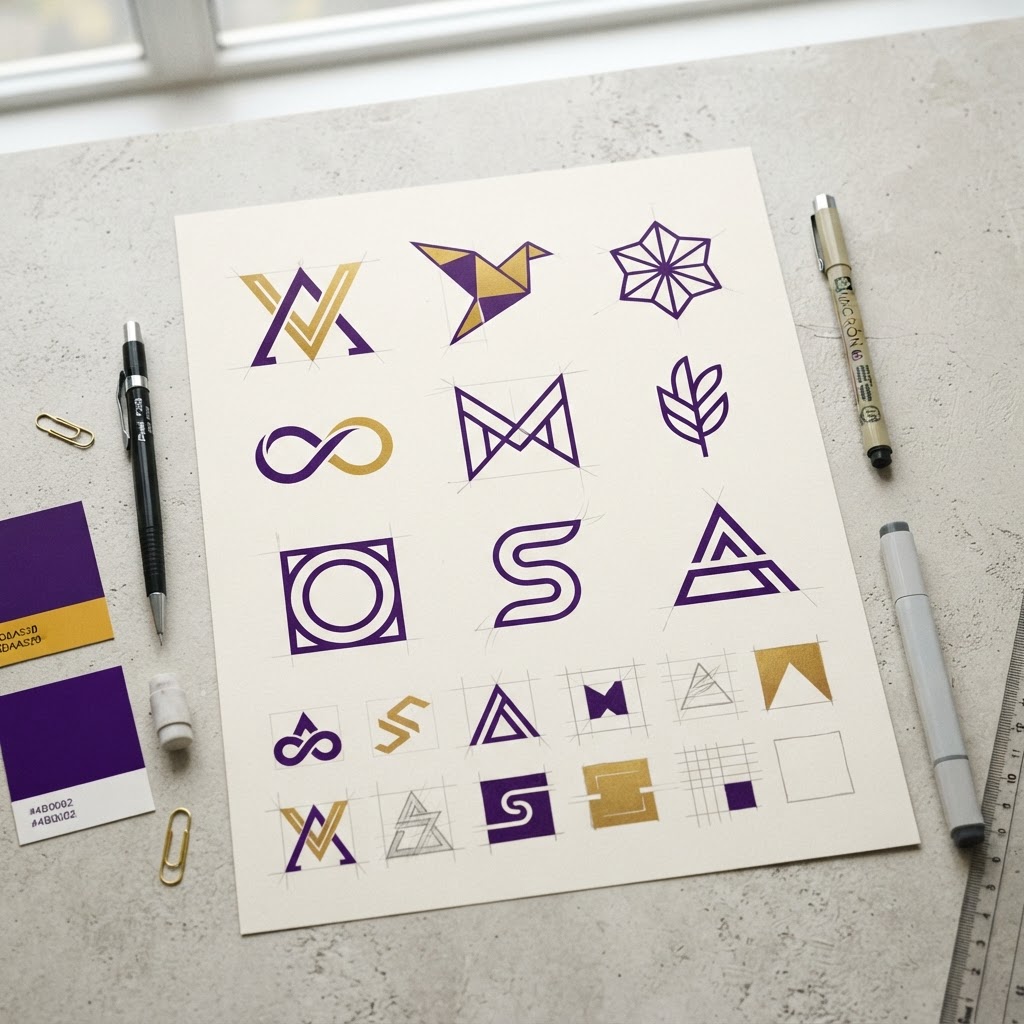
AI Logo Maker - Free Design
Image ToolsGenerate professional logo concepts with AI.
AI Logo Concepts
Generate multiple original logo concepts from your brand name using AI. Click a slot to view and download.
Design a custom logo live on a canvas with templates, icons, fonts, and brand colors, or generate several AI concepts from your brand name.
What is Logo Maker?
Create a professional logo in minutes: describe your brand, let AI generate concepts, then refine fonts, colors, icons and layout on an editable canvas. It replaces both clip-art logo builders and expensive design agencies for small businesses, side projects, and personal brands. Choose your brand colors, iterate until the mark feels right, and download a ready-to-use PNG. No design skills and no sign-up required — the whole flow runs in your browser.
Last updated: September 2026
How to use Logo Maker
- 1Enter your Brand Name and an optional Tagline.
- 2Pick a Template — Minimalist, Badge, Modern, Emblem, or Bold.
- 3Choose an Icon, a Font, and your Primary and Accent colors.
Formula
// Logo Maker — interactive tool, see How to use above.
Example
Open the Logo Maker calculator above to try a live example.
FAQs
Can I download the logo for free?
Yes — once you are happy with the design, export it as a PNG straight from the canvas at no cost and with no sign-up.
Can I use the logo commercially?
Yes. The generated logo is yours to use for your business, social media, and products, including commercial use.
Can I change colors and fonts after generating?
Yes. The canvas lets you adjust colors, fonts, icon placement and size, so you can fine-tune the AI concept to match your exact brand palette.