
Before you trust a website — with a purchase, a login, or a click — its domain can tell you most of what you need to know. Every domain publishes a public record of where it lives, who registered it, and whether it's actually online. You don't need special software or a paid account; one scan reveals it all.
What a single domain scan reveals
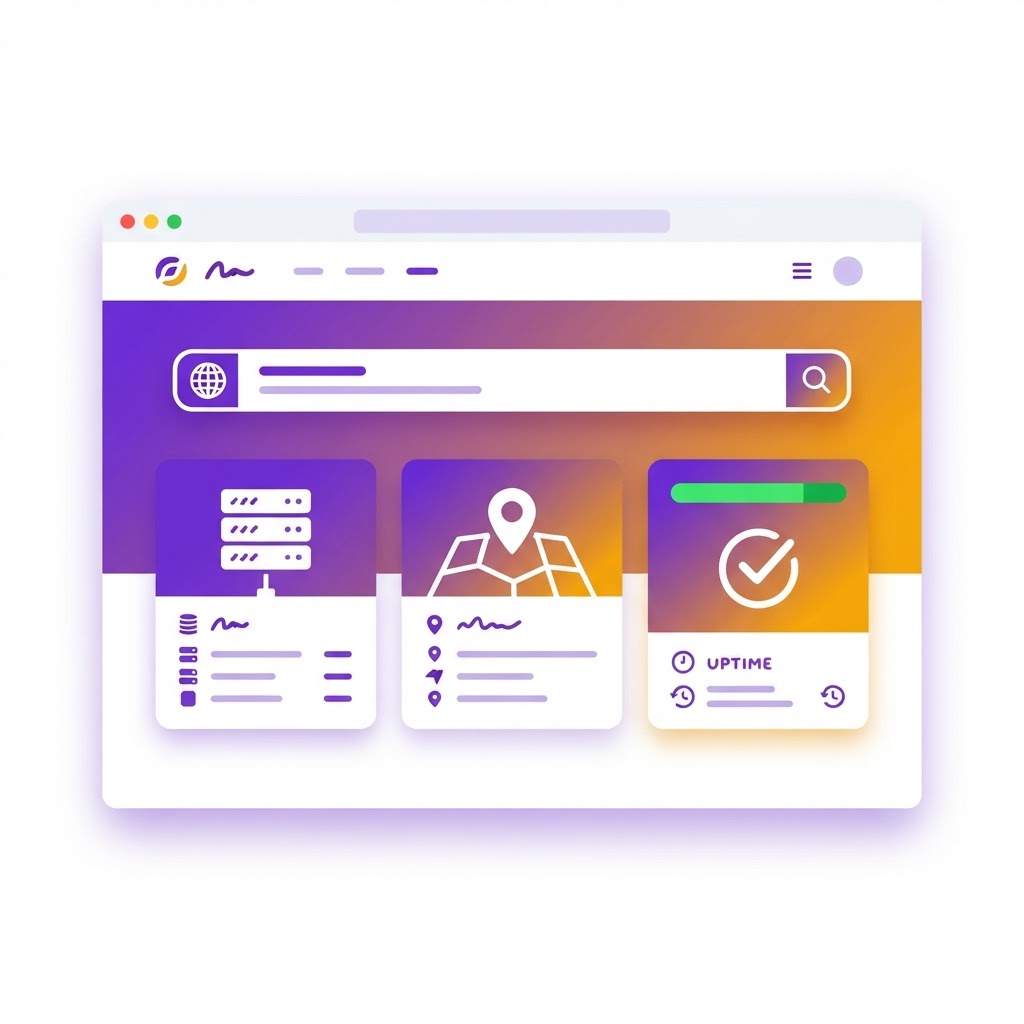
iyadel's Domain & Server Inspector queries the official registry, DNS servers and IP geolocation in parallel, then adds live uptime checks. The result is a complete report: DNS records, registration history, hosting location, availability and automatic notices that flag anything unusual.
DNS records: the domain's address book
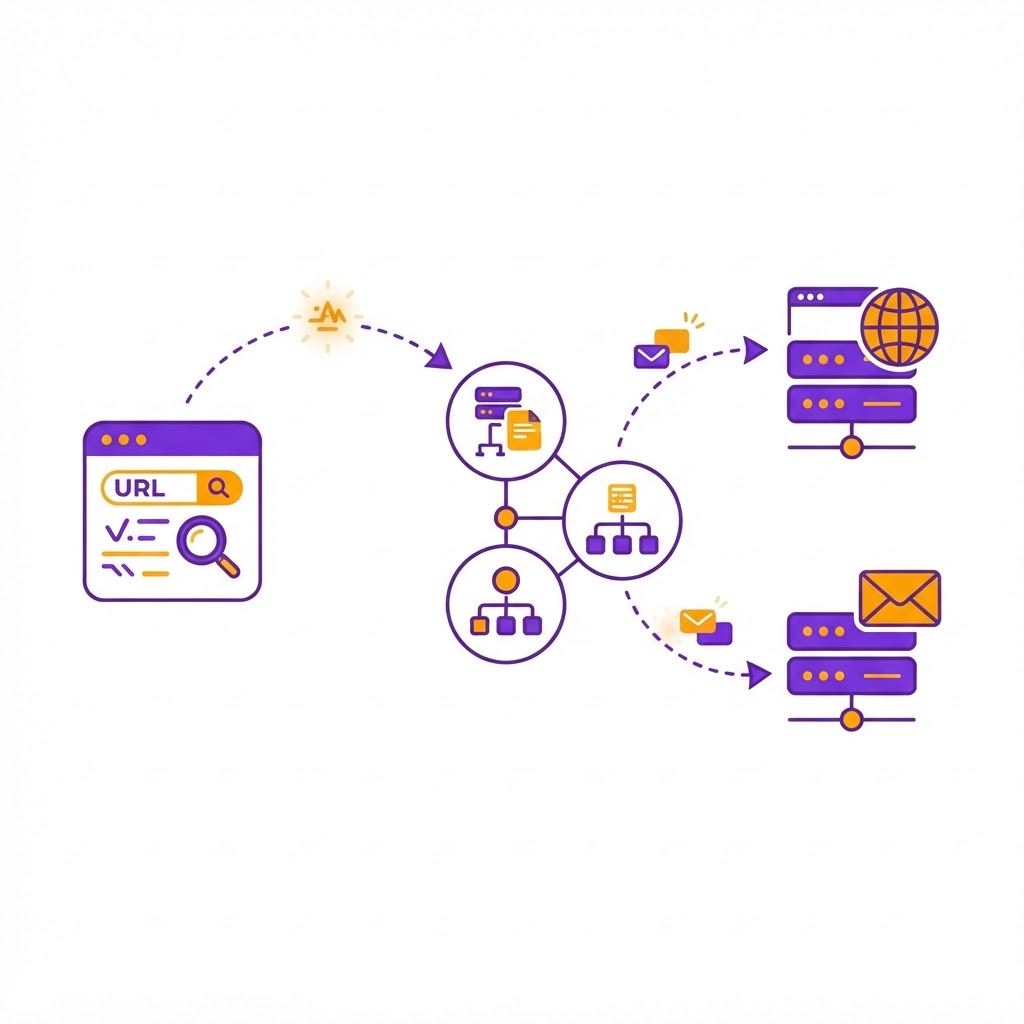
DNS is the system that translates a domain name into machine-readable directions. Three record types matter most:
- A records — the IP addresses of the servers hosting the site. No A records means the domain points nowhere.
- MX records — the mail servers that receive email for the domain. No MX records means the domain cannot receive email on its own.
- NS records — the name servers that answer authoritatively for the domain, usually your registrar's or host's servers.
Registration info: the domain's paper trail
Every registered domain carries public facts: the registrar it was bought from, its creation date, its expiration date, and the registrant. Old domains with years of registration history tend to be more trustworthy than domains registered last week — a useful signal when you're evaluating an unfamiliar shop. Many owners hide personal details behind WHOIS privacy; the inspector flags that too so you can weigh it.
Hosting location: where the site actually lives
The server IP, country, city and hosting provider tell you where the site is physically served from. If an online store claims to be in one country but its server is somewhere else entirely, that's worth knowing before you enter a card number.
Uptime: is the site actually alive?
The inspector runs three live checks over HTTPS and measures response time. All three passing fast means the site is up. Repeated failures mean the site is down — or blocking automated checks, which itself is a signal. This is also the fastest way to answer "is it down for everyone or just me?"

When should you inspect a domain?
- Before buying from an unfamiliar store — check registration age and hosting location.
- Before clicking a suspicious link — a domain registered days ago that hides its owner deserves caution.
- When buying a used domain — verify its registration history and DNS setup before paying.
- After migrating your own site — confirm your new A and MX records propagated correctly.
Try it yourself
Type any domain into the Domain & Server Inspector and press Inspect — the full report arrives in seconds, free and without any signup.